
 Chrome extension · Free
Make any tab up to 600% louder.
Quiet video? Soft-spoken podcast? Tab Volume Boost gives every tab its own volume knob, with modes for music, dialogue and late nights, all without touching your system volume.
Coming soon to the Chrome Web Store.
Louder in two seconds
Open it on any tab
Click the icon on a tab that's playing sound, or press Alt+Shift+V.
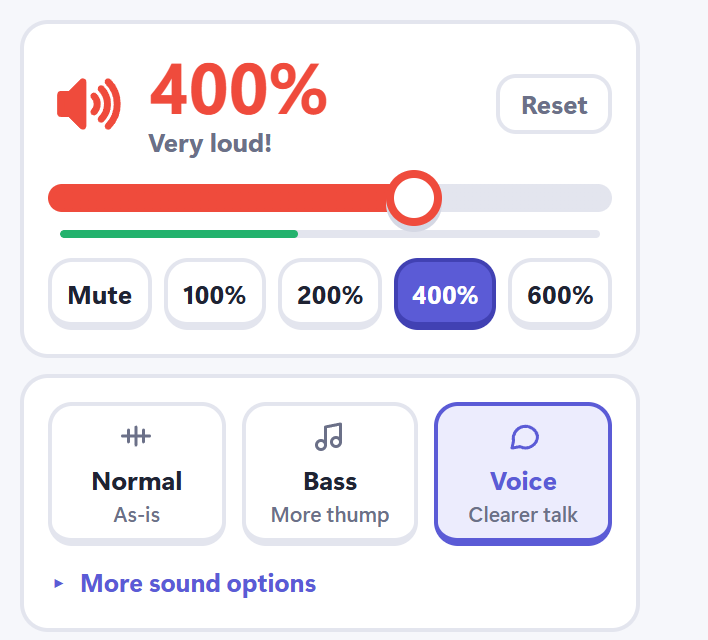
Pick a level
Drag the big slider or tap a preset from mute to 600%. Color tells you how loud you've gone.
Shape the sound
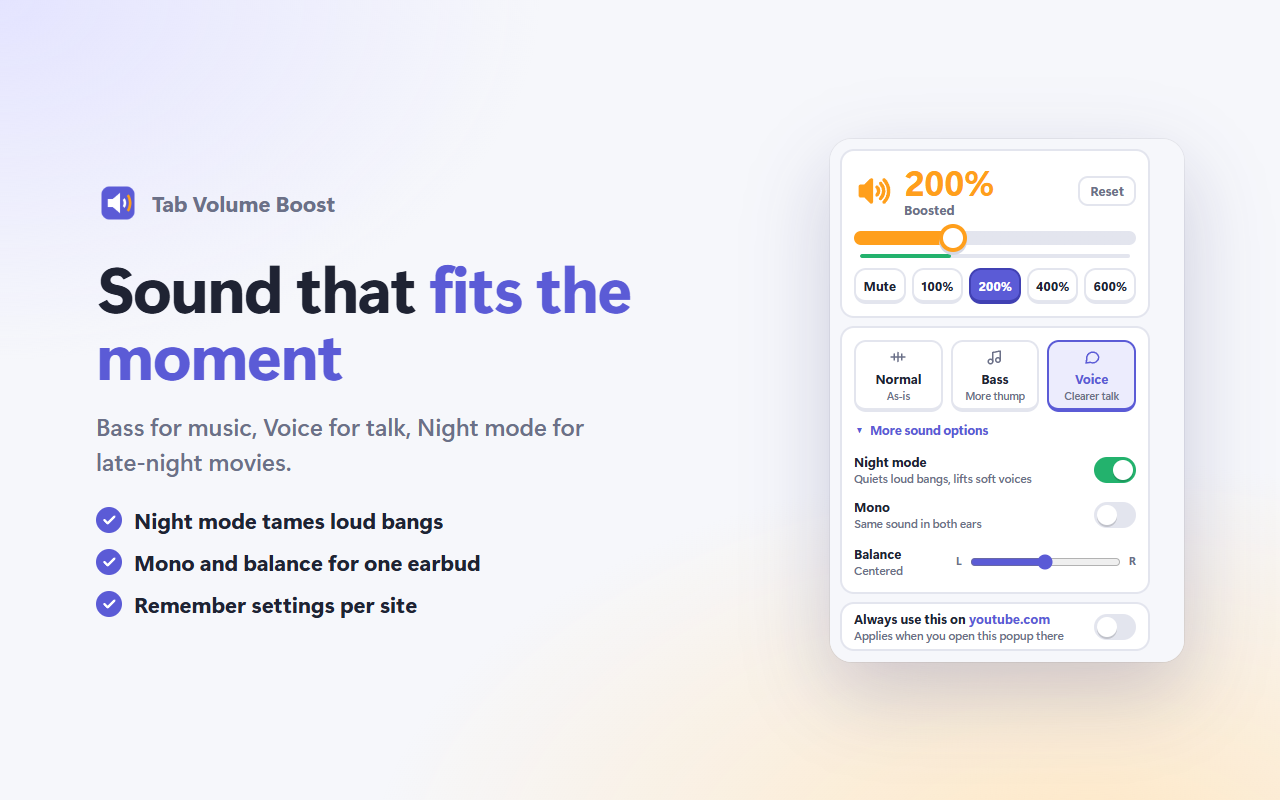
Bass for music, Voice for talk, Night mode for late movies. Remember it for the site if you like.
Sound that fits the moment.
Up to 600%
A big, color-coded slider and one-tap presets. Green is normal, orange is boosted, red is very loud.
Bass and Voice modes
More thump for music, clearer dialogue for talk, or leave it as it is.
Night mode
Evens out loud bangs and soft voices, so late-night movies don't wake the house.
Balance and mono
For one earbud, or audio that's stronger on one side.
Every tab with sound
See what's playing, jump to it, or mute everything else with one click.
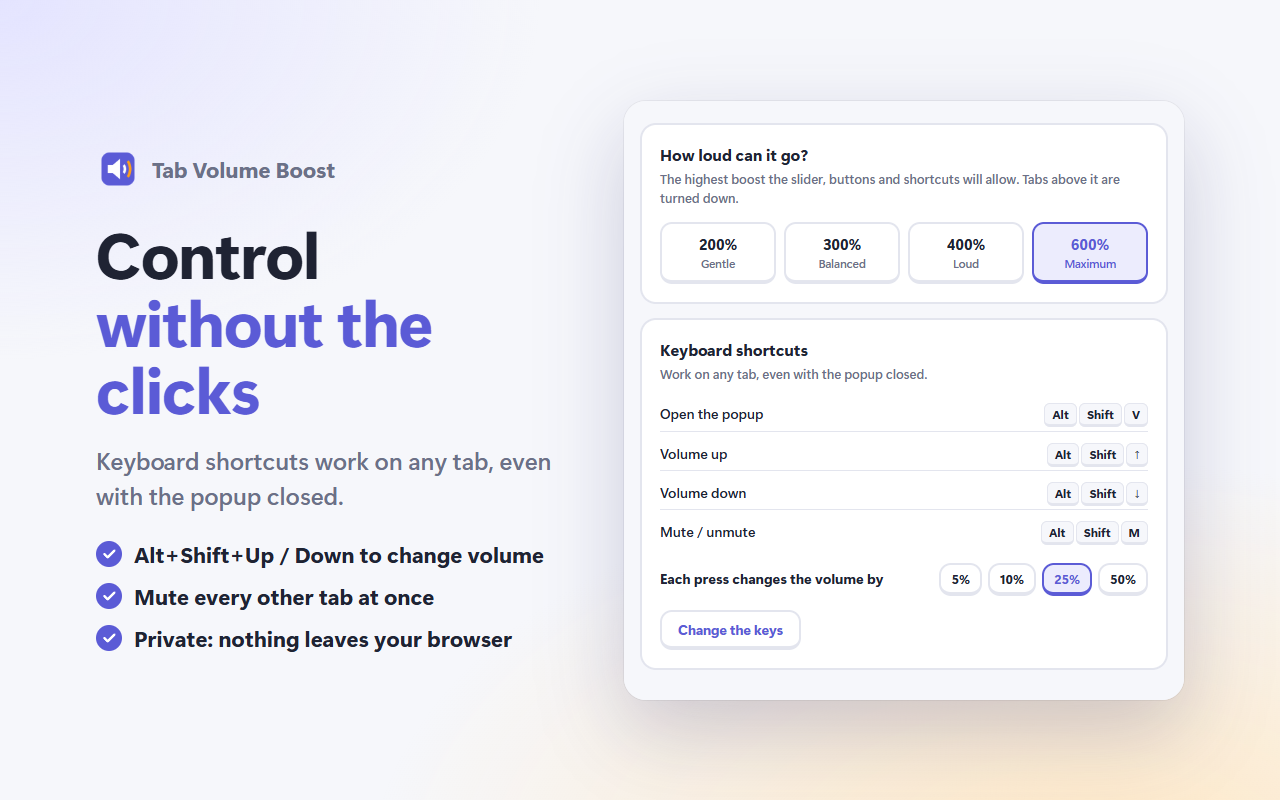
Keyboard shortcuts
Alt+Shift+Up and Down change volume on any tab, Alt+Shift+M mutes. No popup needed.
Designed to be obvious.
Free. Every feature.
No account, no ads, no upsell. Audio is processed on your computer and never recorded or sent anywhere.
Questions, answered.
Why does Chrome show a "sharing audio" icon on boosted tabs?
To change a tab's volume, the extension routes that tab's sound through Chrome's audio capture. Chrome shows that small icon whenever this happens. It's normal, and nothing is recorded or sent anywhere.
Why can't I change the volume on some pages?
Chrome doesn't let any extension change sound on its own pages, like Settings or the Chrome Web Store. Everywhere else works.
Does fullscreen video still work?
Yes. Boosted tabs still go properly fullscreen.
Is it really free?
Yes. Every feature is free, with no account and no ads. See the privacy policy.
Tab Volume Boost is coming to the Chrome Web Store.
Want to know the moment it's live, or try it early? Drop us a line.
Request early access →